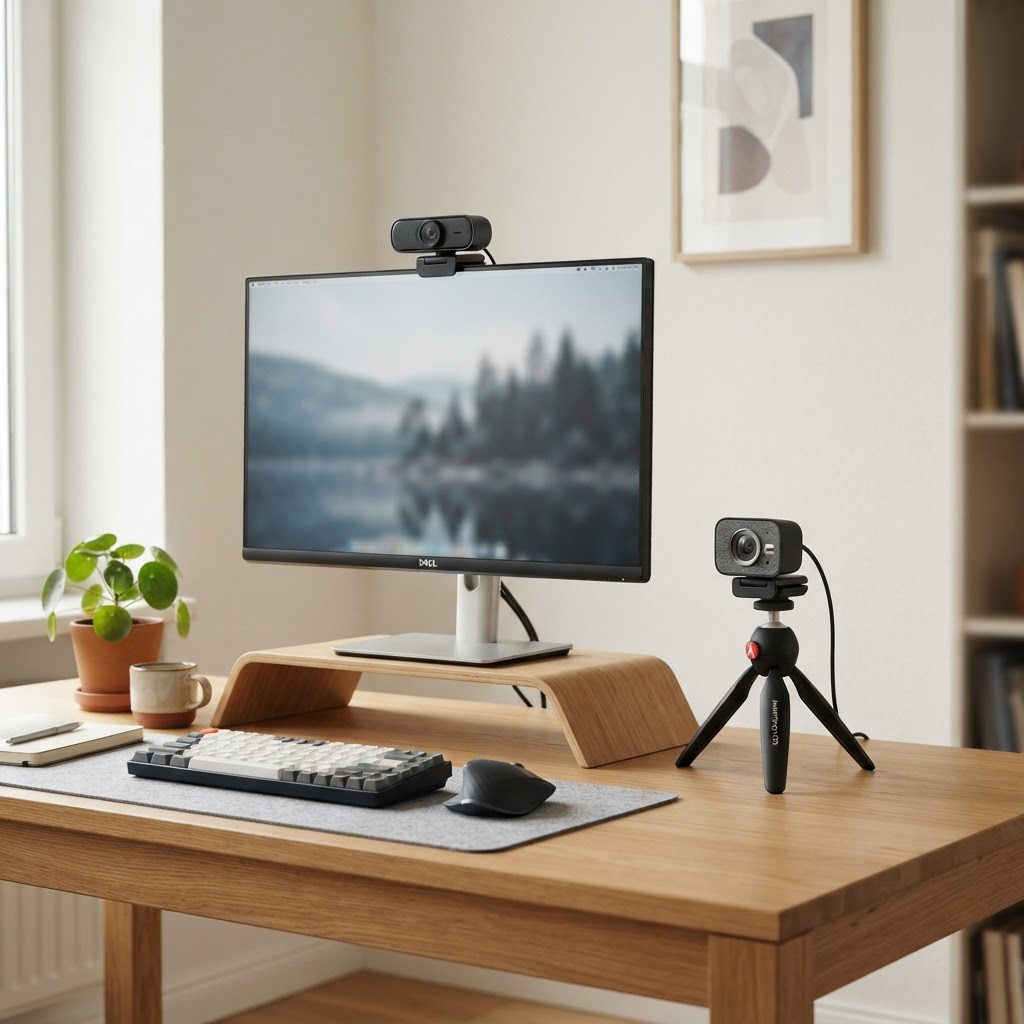
Best Webcams (2026)
Best Webcams (2026)
A good webcam is the difference between a professional-looking video call and a grainy, soft one. Whether you're on back-to-back Zoom meetings, streaming on Twitch, or recording talking-head content for YouTube, a dedicated webcam genuinely outperforms any laptop's built-in camera. This guide compares the best webcams available on Amazon UK in 2026, with honest typical prices and no inflated RRPs.
For the wider content-creator range, our Photography & Vlogging Deals page covers cameras, tripods, lighting and audio alongside the webcams below.
What to look for in a webcam
Resolution is the headline spec, but it's not the whole story. A well-tuned 1080p webcam with a good sensor can look better than a cheap 4K one. Frame rate matters for smoothness — 60fps is noticeably smoother than 30fps for streaming. Autofocus speed and accuracy affect whether you stay sharp when you move, and field of view determines how much of the room is in shot (narrow for a single face, wide for group calls).
Key things to check: a built-in privacy shutter, a decent built-in microphone (though a separate mic is always better), low-light performance, and mounting flexibility — a webcam that clips to a monitor and threads onto a tripod is more versatile than one that only clips.
Comparison table
| Webcam | Resolution | Typical price | Best for | |---|---|---|---| | Logitech C920s Pro | 1080p 30fps | £49.99 | Everyday video calls | | Logitech Brio 500 | 1080p 60fps | £89.99 | Smoother streaming and calls | | Logitech Brio 4K | 4K 30fps | £149.99 | Pro calls and light content creation | | Elgato Facecam | 1080p 60fps | £119.99 | Uncompressed streaming with software control | | Insta360 Link | 4K 30fps | £249.99 | AI tracking and premium video quality | | Razer Kiyo Pro | 1080p 60fps | £129.99 | Strong low-light performance |
Our picks explained
Logitech C920s Pro
The genuinely reliable default choice for video calls. It delivers crisp 1080p video, fast autofocus, and a built-in privacy shutter at a price that's hard to beat. It's the webcam to buy if you just need to look good on calls without overthinking it. Check the Logitech C920s Pro on Amazon UK.
Logitech Brio 500
A genuinely nice upgrade over the C920, with 60fps for smoother motion, a wider field of view, and RightLight auto-exposure that handles tricky window light. The Show Mode tilts down to show your desk. Check the Logitech Brio 500 on Amazon UK.
Logitech Brio 4K
A genuinely premium 4K webcam with HDR, a wide field of view and Windows Hello facial recognition. It's the one to pick if you want the sharpest possible image for pro calls or light content creation. Check the Logitech Brio 4K on Amazon UK.
Elgato Facecam
A genuinely purpose-built streaming webcam that delivers uncompressed 1080p 60fps video via a fast USB-C connection. The Camera Hub software gives genuine control over exposure, white balance and framing. Check the Elgato Facecam on Amazon UK.
Insta360 Link
A genuinely high-end 4K webcam with a 3-axis gimbal that tracks your movement, AI auto-framing, and a 4K sensor that produces sharp, natural video. It's the webcam to buy if you present on camera and move around. Check the Insta360 Link on Amazon UK.
Razer Kiyo Pro
A genuinely strong performer in low light, with a large sensor and adjustable field of view. If you stream or record in a dim room, this is the 1080p webcam that holds up best. Check the Razer Kiyo Pro on Amazon UK.
Buyer's tips
- Lighting matters more than resolution. A £50 webcam with a cheap ring light looks better than a £200 webcam in a dim room. See our lighting picks on the Photography & Vlogging Deals page.
- 60fps is worth it for streaming. The smoother motion is genuinely noticeable on fast movement.
- Check the mount. A tripod thread opens up mounting options beyond a monitor clip.
- Don't rely on the built-in mic. It's fine for calls, but a dedicated microphone is a genuine upgrade for content. See our Best Vlogging Microphones guide.
- Position the webcam at eye level. A stack of books or a monitor riser fixes the dreaded up-the-nose angle.
FAQ
Is 4K worth it for a webcam?
For video calls, no — 1080p is plenty. For streaming, content creation or pro presentations where you want the sharpest possible image, 4K is genuinely worth it. The Insta360 Link and Logitech Brio 4K are the picks.
Can I use a webcam for streaming?
Yes. The Elgato Facecam and Razer Kiyo Pro are both genuinely good for streaming, with 60fps and software control. Pair one with a decent microphone and you have a solid streaming setup.
Is a webcam better than a laptop camera?
Almost always, yes. A dedicated webcam has a larger sensor, better lens, and more processing power than a laptop's built-in camera, which produces a sharper, better-lit image.
Do I need a microphone if my webcam has one?
For casual calls, the webcam mic is fine. For content, streaming or pro calls, a dedicated microphone is a genuine upgrade. See our Best Vlogging Microphones guide.
Final thoughts
A good webcam is a small investment that genuinely upgrades how you present on camera every single day. Match the resolution and features to your actual use, sort out your lighting, and you'll look and sound more professional on every call and stream.